Romantic Couple AI Video Editing with Google Flow AI | Free Prompts & Tutorial
Want to create beautiful romantic couple AI videos using your own photos? You can use AI image generation and Google Flow to create cinematic romantic scenes featuring a handsome man and a beautiful woman.
In this tutorial, you will learn how to create realistic romantic couple photos, maintain consistent faces, create beautiful romantic video scenes, and combine them into an attractive AI couple video.
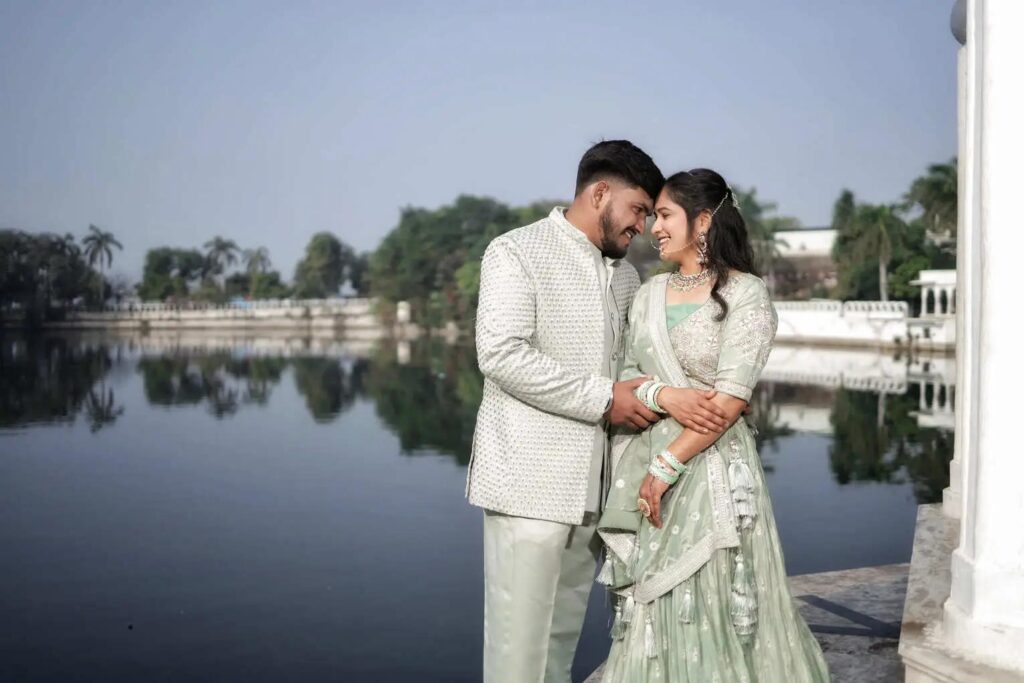
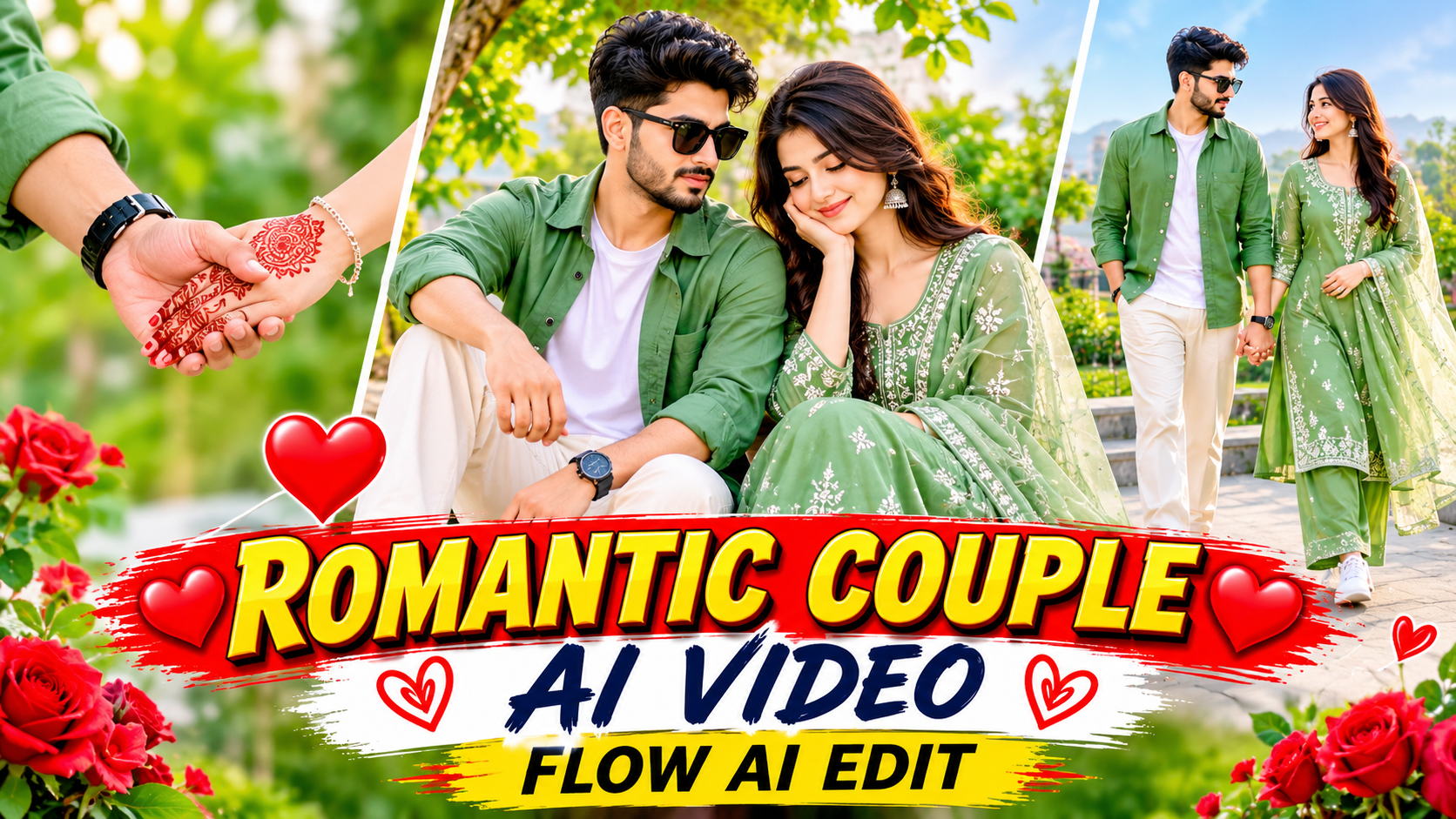
The concept features a stylish young couple wearing matching sage-green outfits, enjoying romantic moments together in beautiful outdoor locations.
Whether you want to create Instagram Reels, Facebook Reels, YouTube Shorts, or romantic couple edits, these prompts will help you get started.
❤️ What You Will Create
- Romantic AI couple photos
- Matching sage-green outfits
- Beautiful hand-holding scenes
- Romantic sitting-together moments
- Walking-together cinematic scenes
- Beautiful palace and garden backgrounds
- Realistic facial expressions
- Cinematic camera movements
- High-quality vertical AI videos
📸 Step 1: Upload Your Reference Photos
Before generating your images, prepare:
1. One clear photograph of the man.
2. One clear photograph of the woman.
Use front-facing photographs with good lighting. Upload both images to your preferred AI image generator.
Important: Use the same two reference photos for every scene to help maintain consistent facial identities.
Step 2: Generate the Romantic Couple Image
Copy this prompt and paste it into ChatGPT Image Generation or Google Gemini.
Main AI Couple Image Prompt
Create an ultra-realistic cinematic romantic couple photograph featuring the exact same young man and young woman from the two uploaded reference photographs. Preserve both people's original facial identities, face shapes, skin tones, hairstyles, and natural facial features. Do not swap or mix their faces. Male Character: A handsome young South Asian man with neatly styled dark hair, a well-groomed beard, and a charming natural expression. He wears a sage-green linen button-down shirt with rolled-up sleeves, a plain white crew-neck T-shirt underneath, off-white wide-leg trousers, clean white sneakers, and a black wristwatch. Black round sunglasses hang from his T-shirt neckline. Female Character: A beautiful young South Asian woman with long, naturally styled dark hair and a charming smile. She wears a sage-green embroidered long kurta with elegant white floral threadwork, matching wide-leg trousers, and a beautiful sage-green embroidered net dupatta with delicate tassels. Add small silver earrings and a thin gold bracelet. Romantic Scene: The couple sits closely together on a beautiful garden bench. The man gently holds the woman's hand while both look at each other with warm, natural smiles. Their expressions should feel genuine, romantic, and emotionally connected. Environment: A beautiful luxury garden with green trees, colorful flowers, soft sunlight, a romantic outdoor atmosphere, and a dreamy cinematic background. Photography Style: Ultra-realistic DSLR photography, 8K-style detail, natural skin texture, beautiful facial expressions, realistic hands, accurate clothing embroidery, cinematic depth of field, soft golden-hour lighting, premium color grading. Vertical 9:16 composition, professional romantic couple photography. No cartoon effects, no artificial faces, no face swapping, no extra fingers, no distorted hands, no watermark, and no unwanted text.text here…
Step 3: Create Romantic AI Videos with Google Flow
After generating your couple image, use it as a visual reference in Google Flow.
Use the following prompts to create three connected romantic scenes.
VIDEO PROMPT 1: Romantic Hand Holding
Create an ultra-realistic cinematic romantic video using the uploaded reference image. The same young man and woman must maintain their exact facial identities, hairstyles, body proportions, and sage-green outfits throughout the video. The couple stands together in a beautiful green garden. The man gently reaches for the woman's hand and holds it naturally. The woman smiles shyly and looks into his eyes. A gentle breeze moves her dupatta and hair. Camera slowly moves closer to capture their romantic expressions. Natural human movements, realistic hand contact, soft golden sunlight, cinematic DSLR look, beautiful background, realistic facial expressions. Duration: 8 seconds. Aspect ratio: 9:16 vertical.ur text here…
VIDEO PROMPT 2: Romantic Walking Scene
Create a realistic cinematic romantic couple video using the same two characters from the reference image. The couple walks slowly together along a beautiful palace garden pathway. The man gently holds the woman's hand while she looks at him and smiles. Her sage-green embroidered dupatta flows naturally in the gentle breeze. The camera smoothly tracks alongside the couple, capturing their natural expressions and romantic chemistry. Beautiful green trees, colorful flowers, warm sunset lighting, realistic footsteps, natural body movements, premium cinematic photography. Maintain exactly the same faces, outfits, and identities from the reference image. Duration: 8 seconds. Aspect ratio: 9:16 vertical.text here…
VIDEO PROMPT 3: Beautiful Romantic Ending
Create an ultra-realistic romantic cinematic video featuring the same young couple. The couple stands beside a beautiful lake with a magnificent palace in the background. The man gently holds the woman's hand. Both look into each other's eyes and smile naturally. The woman slightly turns towards the man while her embroidered dupatta moves gently in the breeze. The man smiles warmly. The camera slowly moves backward, revealing the beautiful lake, palace, mountains, and sunset sky. Romantic atmosphere, natural expressions, realistic movements, beautiful reflections on the water, cinematic golden-hour lighting, professional DSLR video quality. Preserve both original faces, hairstyles, outfits, and body proportions. Duration: 8 seconds. Aspect ratio: 9:16 vertical. your text here…
🎵 Step 4: Add Romantic Background Music
For a beautiful final result, add soft romantic instrumental music.
Suggested AI music generation prompt:
Create a soft romantic instrumental background track with gentle piano, acoustic guitar, dreamy flute, and emotional cinematic strings. Beautiful, peaceful, love-filled atmosphere. No vocals, no lyrics.
✂️ Step 5: Combine Your AI Video Clips
After generating the three clips:
- Download your generated video clips.
- Open CapCut or your preferred video editor.
- Arrange all three clips in the correct sequence.
- Add smooth transitions.
- Add romantic background music.
- Adjust brightness and cinematic color grading.
- Export in vertical 9:16 format.
Recommended export settings:
-
Recreate Any Reference Video with AI: Ultra-Realistic 10-Second Video Prompt
-
Romantic Couple AI Video Editing with Google Flow AI | Free Prompts & Tutorial
-
Luxury White Lion AI Portrait Prompt
-

Ai Photo Editing Prompt
-
Exploring Photo Editing Prompts for Enhanced Creativity
-

Exploring AI-Powered Photo Editing Prompts
-
Unlock the Power of AI Photo Editing Prompts
-
Unlock the Power of AI Photo Editing Prompts